
If you have installed a Shopify app in the last couple of years, there is a good chance it added its features through an app extension. Extensions are now the standard way apps plug into a Shopify store, and they solve a problem many store owners know too well: apps that leave messy code behind in your theme.
In this guide I explain what app extensions are in plain language, the main types, real examples of what they can do, and how to decide whether your store needs one.
What Is a Shopify App Extension?
A Shopify app extension is a part of an app that plugs into a specific place in Shopify: your storefront theme, the checkout, the Shopify admin, or Shopify's own backend logic.
In the past, many apps added features by injecting code directly into your theme files. It worked, but when you removed the app, the code often stayed behind, and theme updates could break things.
With extensions, the app registers its features with Shopify, and Shopify decides where and how to show them. Think of your store as a house: old apps drilled holes in the walls to run their wires, while extensions use sockets that Shopify has already built.
Why App Extensions Matter for Store Owners
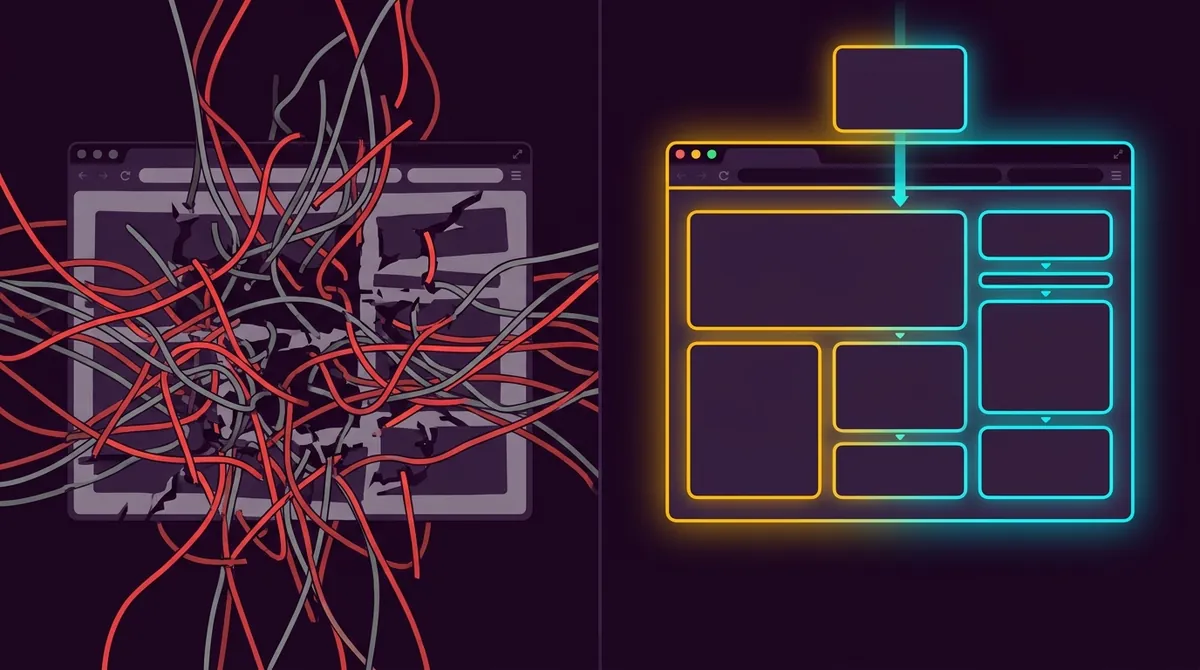
- No leftover code. When you uninstall an app, its extensions disappear cleanly.
- Safer theme updates. Features are not tied to your theme files, so updating or switching themes is much less risky.
- Drag-and-drop control. Many extensions appear as blocks in the theme editor, so you choose where they show without touching code.
- Hosted and managed by Shopify. Extensions are deployed and versioned through Shopify, which keeps them consistent and secure.
- Access to places you cannot edit. Areas like checkout can only be customized through extensions.
The Main Types of Shopify App Extensions
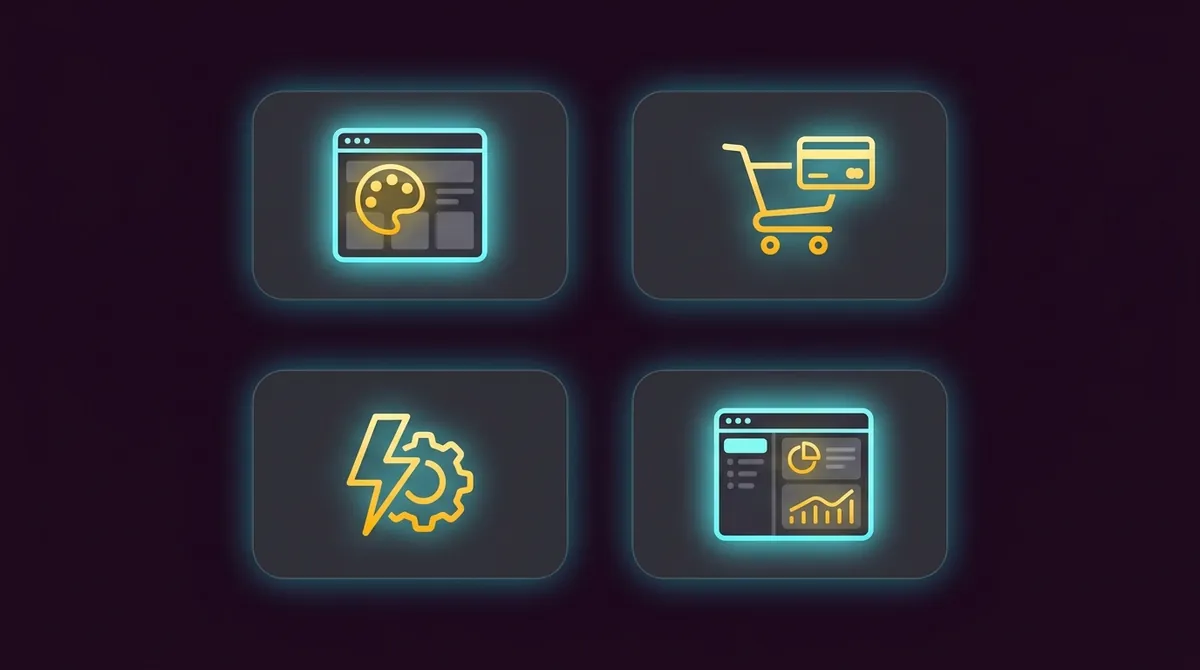
1. Theme App Extensions
These add features to your online store theme. They come in two forms:
- App blocks: blocks you add inside a section from the theme editor, such as a reviews widget under the product title or a size chart button. App blocks need an Online Store 2.0 theme, like Dawn.
- App embed blocks: features that work across the whole store, such as a chat bubble, a floating cart button or tracking scripts. You switch them on under Theme settings → App embeds.
Examples: product reviews, size charts, delivery date pickers, trust badges, countdown timers, WhatsApp chat buttons.
2. Checkout UI Extensions
Shopify's checkout cannot be edited with theme code. Checkout UI extensions are how apps add content and fields to it, as well as to the thank you and order status pages.
Examples: a gift message field, delivery instructions, a post-purchase upsell, a loyalty points banner, or a survey on the thank you page.
3. Shopify Functions
Functions are backend logic that runs on Shopify's own servers in milliseconds. They change how Shopify calculates things rather than how things look.
Examples:
- Custom discounts, like "buy 2, get the 3rd free" or tiered discounts
- Hiding, renaming or reordering shipping methods
- Hiding Cash on Delivery for certain areas or order values
- Blocking checkout when the cart breaks a rule, like a maximum quantity
- Product bundles that merge or expand items in the cart
4. Admin UI Extensions
These add tools inside your Shopify admin, so your team does not have to switch between apps.
Examples: a button on the order page that prints a custom label, or a block on the product page that shows supplier details.
5. Other Extension Types
| Extension type | Where it appears | Example |
|---|---|---|
| Customer account UI | Customer account pages | Loyalty points, reorder button |
| POS UI | Shopify POS in physical stores | Custom tile for staff discounts |
| Web pixel | Runs in the background | Sending events to analytics or ad platforms |
| Shopify Flow | Shopify Flow automations | Custom triggers and actions for workflows |
A Real Example: Delivery Dates and Time Slots
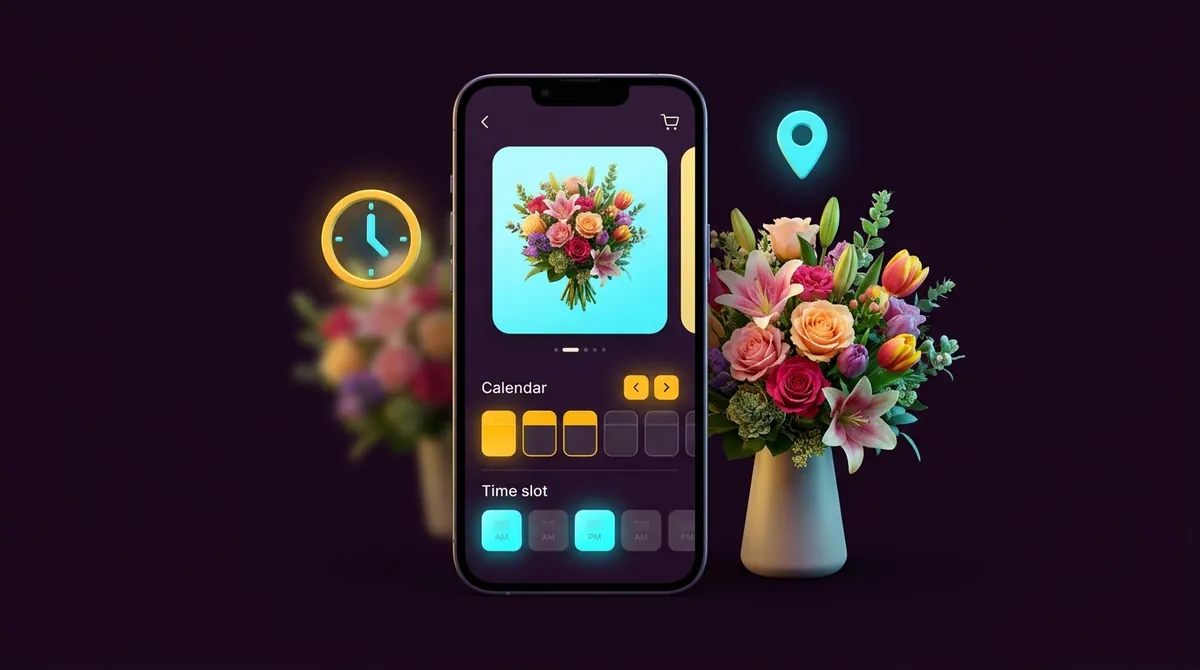
Stores that sell flowers, cakes or groceries often need customers to pick a delivery date and time slot, and they only deliver to certain areas.
I built a Delivery Manager app for a flower delivery store that handles exactly this: delivery time slots, more than 1,300 serviceable pincodes, blocked dates, and a daily cutoff time (for example, same-day orders close at 7 PM), all managed from one dashboard in the Shopify admin.
A feature like this maps neatly onto the extension types above:
- The date and time picker on the product or cart page fits a theme app extension.
- Blocking checkout for an unserviceable pincode fits a Shopify Function (cart and checkout validation).
- Showing the chosen slot on the thank you page fits a checkout UI extension.
- Managing slots, pincodes and cutoff times happens in the app's admin pages.
How Developers Build App Extensions
Extensions live inside a Shopify app and are created with the Shopify CLI. The basic workflow looks like this:
# create a new app
shopify app init

# add an extension (theme app, checkout UI, function, ...)
shopify app generate extension

# preview on a development store
shopify app dev

# release a new version
shopify app deploy
A theme app extension block is a Liquid file with a schema. Here is a simple size chart button that a merchant can add to any section and edit from the theme editor:
<div class="size-chart-btn">
  <button type="button">{{ block.settings.label }}</button>
</div>

{% schema %}
{
  "name": "Size chart",
  "target": "section",
  "settings": [
    {
      "type": "text",
      "id": "label",
      "label": "Button label",
      "default": "Size chart"
    }
  ]
}
{% endschema %}
The "target": "section" line makes it an app block. An app embed uses "body" or "head" instead.
Do You Need a Custom Extension or an Existing App?
Use an existing app from the Shopify App Store when your need is common, such as reviews, email pop-ups or basic upsells. It is faster and usually cheaper to start.
Choose a custom extension when:
- Your workflow is unique, like special delivery rules or custom product options
- You pay for several apps but use only one small feature from each
- Existing apps slow down your store or do not match your brand
- You need logic that no public app offers, such as custom discount or shipping rules
Frequently Asked Questions
Do app extensions slow down my store?
Extensions are usually lighter than older apps that injected scripts into the theme, because Shopify controls how they load. Speed still depends on how well the extension is built, so ask your developer to keep files small.
Do I need Shopify Plus?
Not for most extensions. Theme app extensions and admin extensions work on all plans. Customizing the information, shipping and payment steps of checkout requires Shopify Plus, and some Shopify Functions features in custom apps also need Plus.
What happens if I change my theme?
Nothing is lost. You simply add the app blocks again in the new theme's editor. There is no code to copy over.
How long does it take to build a custom extension?
A simple theme app block can take a few days. A complete app with Shopify Functions and checkout extensions can take a few weeks, depending on the features.
Final Thoughts
Shopify app extensions are the modern, clean way to add custom features to a store. They keep your theme free of leftover code, give you drag-and-drop control, and unlock areas like checkout that you cannot change any other way.
If an app is slowing your store down, or you need a feature no app offers, a custom extension is often the best long-term solution.
Need a Custom Shopify App Extension?
I build theme app extensions, checkout UI extensions and Shopify Functions that feel native to your store. Tell me what you need and get a free quote.

About Jai Kumar
Shopify developer from Hyderabad, Pakistan with 7+ years of experience in Liquid, custom themes and Shopify app extensions. I build fast, high-converting stores for clients in the USA, UK, Canada, Italy and the UAE.